

5 Things The iPad Pro Can Do That An iPad Air Can't
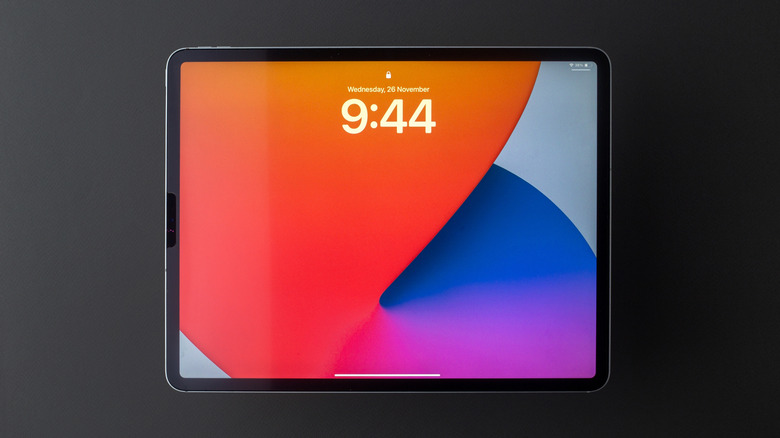
Apple is steadily improving all its products. The gap between the base models of the iPhone, MacBook, and iPad and the Pro versions of these devices is much smaller than it ever was. Today, with the M4 chip, an iPad Air's performance is already more than enough for most people, making the iPad Pro more suitable for power users.
However, just like your iPad can do many things your iPhone can't, there are many things your iPad Pro can do that your iPad and iPad Air can't. Sure, the iPad Pro has stronger hardware and so will perform much better during heavy tasks and benchmarks, but there are also many other advantages it has over the other models even if we put aside the performance.
These include additional sensors that make existing features and apps better and allow for newer ones, hardware implementations that let you transfer data faster, and just general, subtle quality-of-life additions that you can only truly appreciate once you start using the iPad Pro.
1. Have better visuals and a variable refresh rate
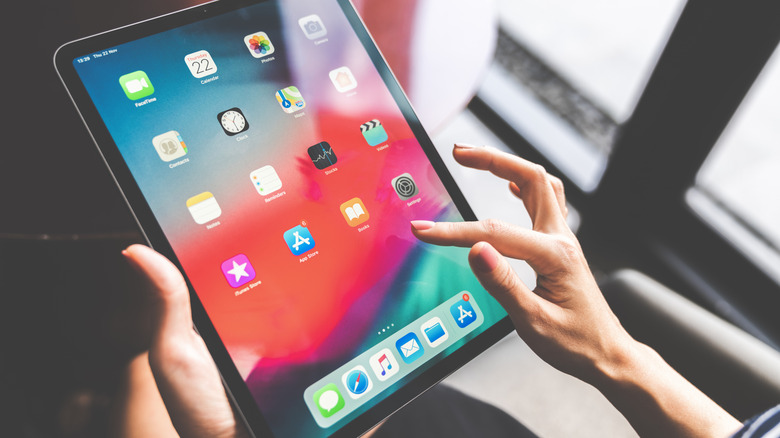
Before you get into any of the specifications or the features inside any device, the first thing you notice is its visuals. While the base iPad, the iPad Air, and the iPad Pro all have stunning, high-quality displays, there are some major differences. The iPad Pro has something that the other two don't, which can be very important to certain users.
The latest iPad Pro comes with a 120 Hz display with ProMotion that appears smoother in almost all tasks. If you're used to seeing higher refresh rates, the 60 Hz display on the iPad Air can seem slow or clunky — despite it being backed by a powerful processor.
ProMotion technology allows the iPad Pro to have a variable refresh rate. This means that your iPad Pro can contextually adjust its refresh rate based on what you're doing, whereas the iPad Air can't. For instance, when your iPad Pro is idle or displaying a static image — such as your home screen or a text document — it lowers its refresh rate to as low as 10 Hz. This leads to an improvement in battery life and performance, without you even noticing.
2. Use Apple ProRes and other advanced camera features

One of the main reasons power users opt for the iPad Pro over the base iPad or the iPad Air is for content creation and videography. Part of this is because the Pro does a much better job with editing, rendering, and exporting high-resolution content as compared to the iPad Air. But the camera is another area where the Pro outshines the other iPads.
Both the front and the back cameras in the iPad, the iPad Air, and the iPad Pro are all the same; they each feature a 12-megapixel back camera with Apple's Smart HDR for better color contrasts and a similar camera at the front that also supports Center Stage. However, only the iPad Pro supports Portrait Mode and Portrait Lighting. Moreover, the iPad Pro having a LiDAR sensor means that it has faster autofocus compared to the iPad Air, which doesn't have one.
For videos, each tablet can record 4K videos at 60 FPS, but only the iPad Pro supports Apple ProRes. Having ProRes means that your iPad Pro will produce much higher-quality videos that are easier to edit. The iPad Pro is also the only Apple tablet that supports Audio Zoom, which focuses the audio on whatever the camera zooms in on, alongside Stereo Recording, which allows your videos to have directional audio.
3. Allow facial recognition features with Face ID and TrueDepth
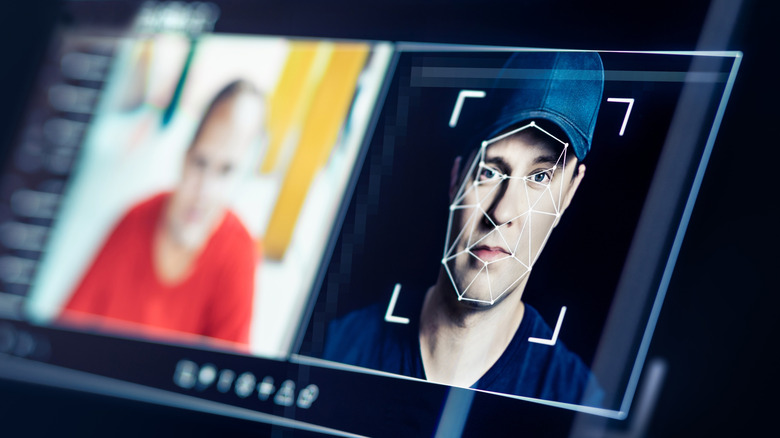
Apple unveiled Face ID in 2017 with the iPhone X models, giving you the convenience of unlocking your device without a password or fingerprint. The feature is also available on the iPad Pro – neither the base iPad nor the iPad Air comes with Face ID.
Another related feature that exists in the iPad Pro but is absent from other models is TrueDepth. This uses the iPad Pro's enhanced scanning capabilities to create a spatial render of your face and is the reason why Face ID only exists on the iPad Pro. Apart from enabling Face ID, TrueDepth has many additional applications as well. For example, you can only create and share Animojis on the iPad Pro but not on the iPad Air.
Additionally, TrueDepth allows your iPad to detect whether you're looking at its screen and act accordingly. For example, if you're reading an article, the TrueDepth sensor will know you're looking at your iPad and it won't turn the screen off, even if you're not touching it. Similarly, if you accidentally leave your iPad Pro's screen turned on and go somewhere, it will detect that you're not actively using the device and dim its screen.
4. Support Thunderbolt and USB4 for faster transfer speeds
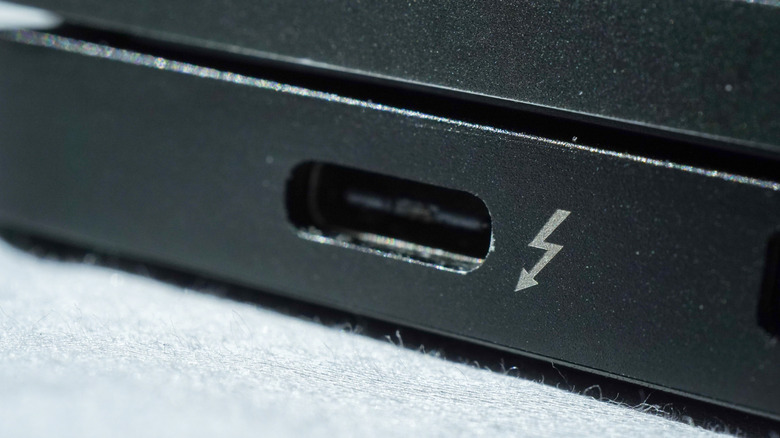
While the iPad Air and the iPad Pro both feature a USB-C port, they are different in terms of their capabilities. The iPad Air's USB-C port supports USB 3 technology, which can have data transfer speeds of up to 10 Gb/s and supports 20 W charging. The iPad Pro uses Thunderbolt 3 — a stricter standard of USB 4 — which can transfer data at a rate of 40 Gb/s and allows faster charging. The faster data transfer doesn't mean much for the average user, as the iPad Air's 10 Gb/s is enough for most casual uses. However, if you're a professional content creator who deals with large video files daily, this much faster speed becomes necessary. The faster charging is a big advantage for all kinds of users as well.
The iPad Pro's Thunderbolt port has one more big advantage over iPad Air users who use external displays. With your iPad Air, you can use its USB-C port to connect to an external 6K resolution 60 Hz display. With an iPad Pro, you can do the same but can also use lower-resolution displays up to 5K at 120 Hz. This makes the iPad Pro much better for productivity, especially if it's your main computer.
5. Accurately measure distances and make 3D renders with LiDAR sensors
At the back of your iPad Pro, right beside the camera, there is a black circle that is absent from the base iPad and the iPad Air. This isn't an additional camera, but rather a Light Detection And Ranging (LiDAR) sensor. This sensor functions by emitting light and then mapping the distance it travels before it returns, essentially creating an accurate 3D spatial map of space up to 16 feet away.
The Measure app on the iPad Air and iPad already allows for measurements based on the camera alone, but the LiDAR sensor on an iPad Pro greatly improves the accuracy of these measurements. It can tell you how tall someone is, the distance between two walls, or the length of pieces of furniture. This makes it very easy to figure out how a certain item you're planning to buy — such as a TV or a new table — might fit in your home.
Beyond simply measuring distances, your iPad Pro's LiDAR sensor can do a lot more by using third-party apps. These include making accurate floor maps of your entire house, creating 3D renders of specific objects or even entire rooms, and also enhanced AR (augmented reality) capabilities.